Zsh on Omarchy Without Breaking Anything
2025-12-18one of the limiting factors of Omarchy I mentioned in a previous post is that Omarchy does not support a configurable shell. Much of the system is dependent on the user's default shell being bash. For awhile, I thought this was something minor I could adjust to, but bash is truly and unambiguously subpar compared to zsh. Anyone who doesn't agree with this either doesn't use the terminal much or has not spent long enough using zsh to notice the difference.
Some of this could also be Oh My Zsh. I have never used zsh without immediately installing omz first. This is something I've done from the beginning since adopting zsh. Why would I spend time configuring my shell, when I could just have Robby Russell figure it out for me? To be clear, I'm someone who has spent countless hours crafting the perfect PS1 and tinkering on my .bashrc in my youth, tweaking my aliases, etc. Now, I'm happy having someone prepare an opinionated stack, and simply use that (Not unlike Omarchy?).
To that end, I'd like to see if I can get zsh working, without disrupting the whole Omarchy stack. Here's what I'm thinking:
- configure zsh as a "tui app" in Omarchy
- remap the cmd+enter key bind to launch zsh tui instead of the terminal
- configure remote sessions to default to zsh This should allow me to have zsh launch and run as if it were the default shell with minimal disruption to Omarchy.
Here We Go
First thing, need to install zsh. I like using Omarchy's handy scripts: omarchy-pkg-install:



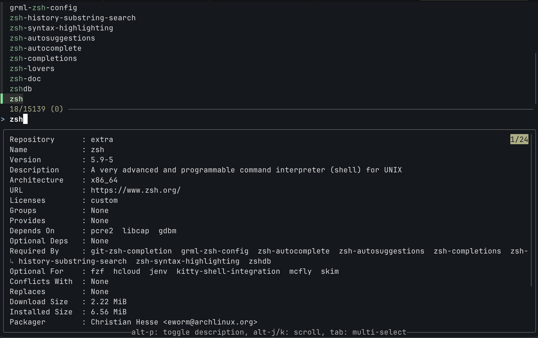

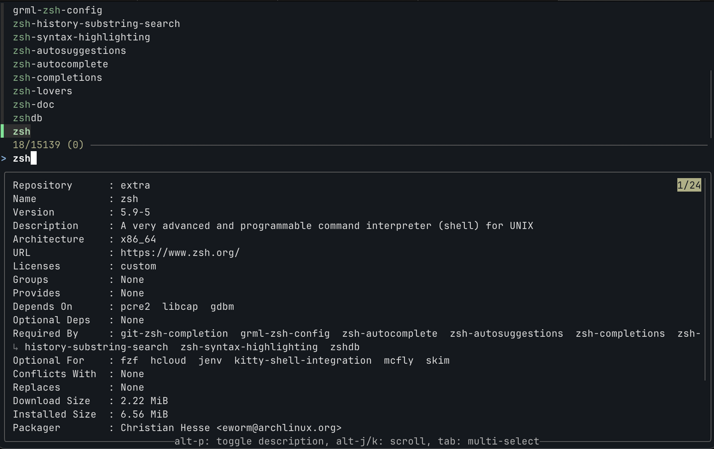
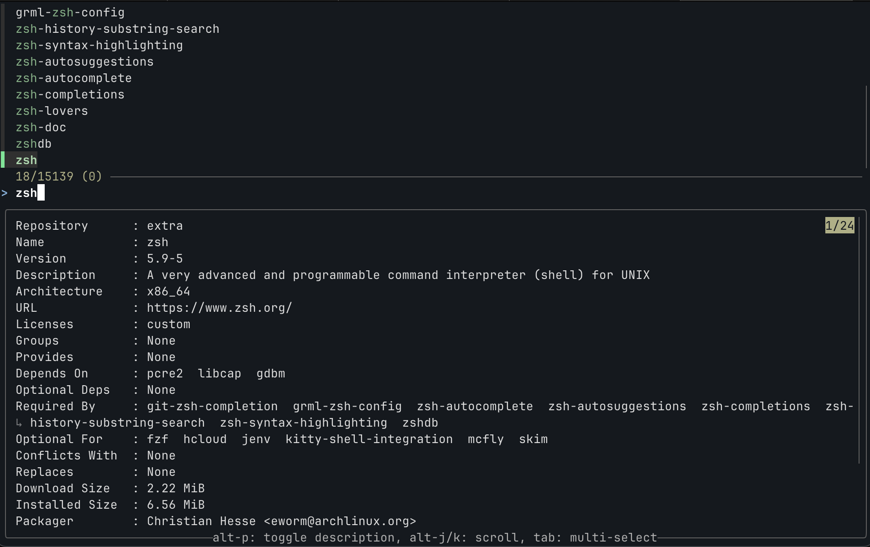
OK good! I logged in / out, terminal is still bash. It would be weird if it changed my shell, but just wanted to double check.
Next I have to install omz, but I want to be careful to not break anything:
export CHSH=no RUNZSH=no KEEP_ZSHRC=yes
sh -c "$(curl -fsSL https://raw.githubusercontent.com/ohmyzsh/ohmyzsh/master/tools/install.sh)"
This will install omz while keeping all of my current configuration in place. More info here. Next, I'll update my ssh config to use zsh by default:
Host quinn-workstation
  RequestTTY yes
  RemoteCommand /bin/zsh -l
This has the potential to break other stuff, so I may abandon it / experiment with other options.
Now, I want to setup zsh as a TUI (Omarchy Menu > Install > TUI):
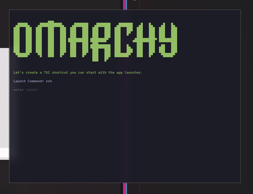
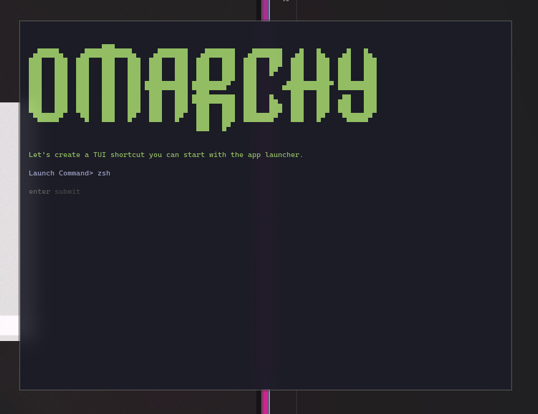
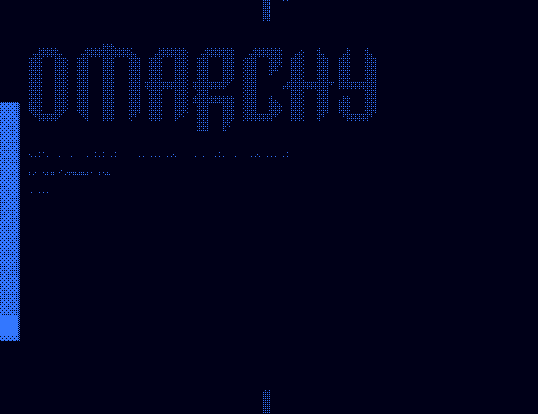

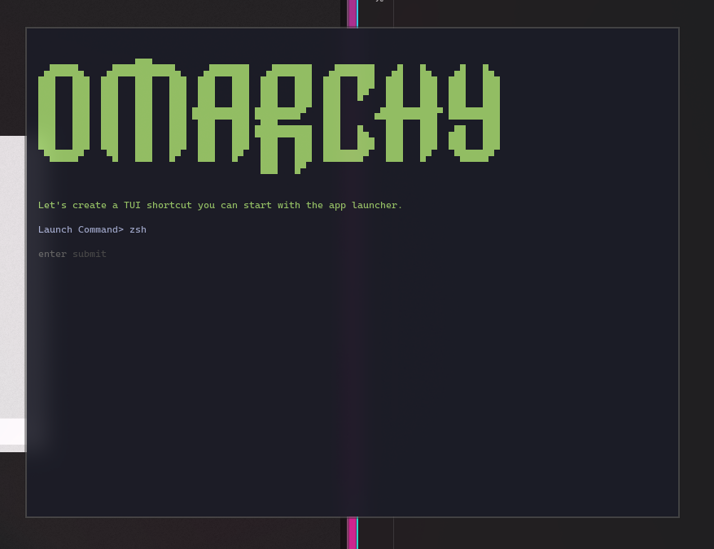

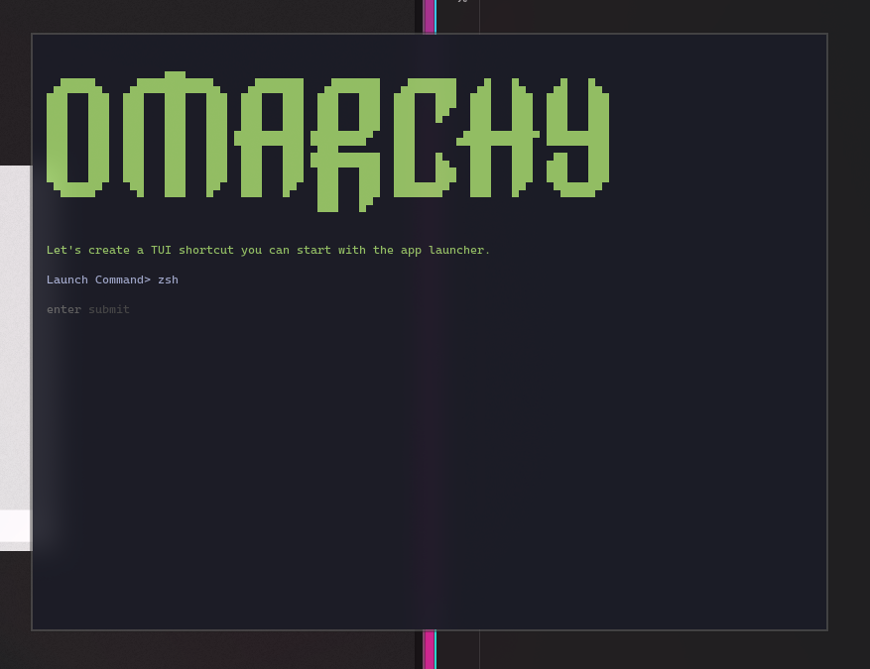

Cool! Now I can start zsh from the app launcher (Super + Space):

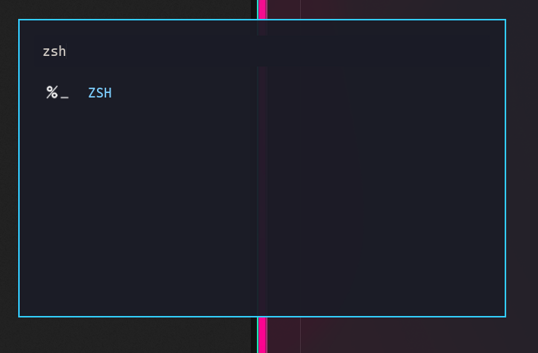


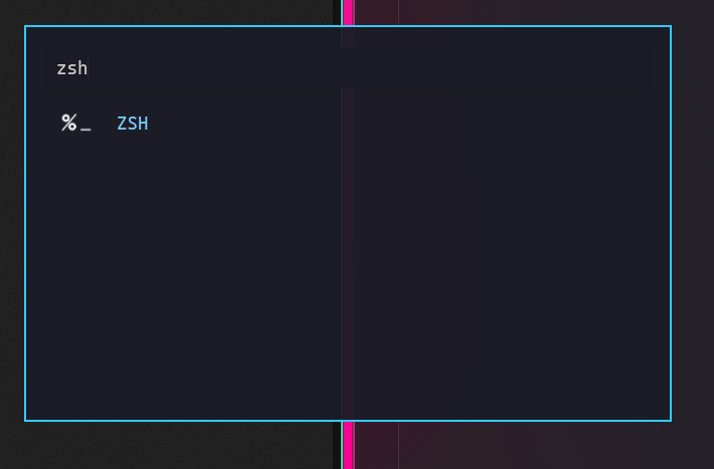

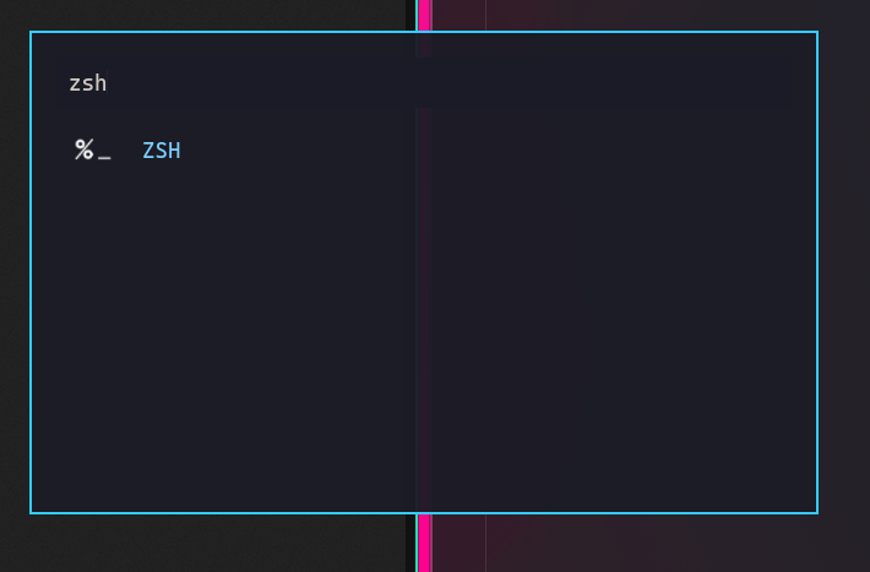

According to the doc, I can change app hotkeys in ~/.config/hypr/bindings.conf. My goal is to just change the hotkey to launch zsh TUI instead of the default terminal. I'll use "Activity" as a reference because it is functioning as a TUI.
Here's what I found in the config:
# Application bindings
$terminal = uwsm-app -- $TERMINAL
$browser = omarchy-launch-browser

bindd = SUPER, RETURN, Terminal, exec, $terminal --working-directory="$(omarchy-cmd-terminal-cwd)"
...
bindd = SUPER SHIFT, T, Activity, exec, $terminal -e btop
...

# Overwrite existing bindings, like putting Omarchy Menu on Super + Space
# unbind = SUPER, SPACE
# bindd = SUPER, SPACE, Omarchy menu, exec, omarchy-menu
Based on this, I'll try adding:
unbind = SUPER, RETURN
bindd = SUPER, RETURN, ZSH, exec, $terminal --working-directory="$(omarchy-cmd-terminal-cwd)" -e zsh
I saved the file, which seems to automatically reload, because it works! So, I guess the TUI stuff was not necessary, though was interesting to setup.
I think this will be sufficient. This doesn't cover everything, for example, in Zed I have configured the builtin terminal to use zsh instead of the default. There might be some cases where this isn't configurable. But, I think it is good enough.